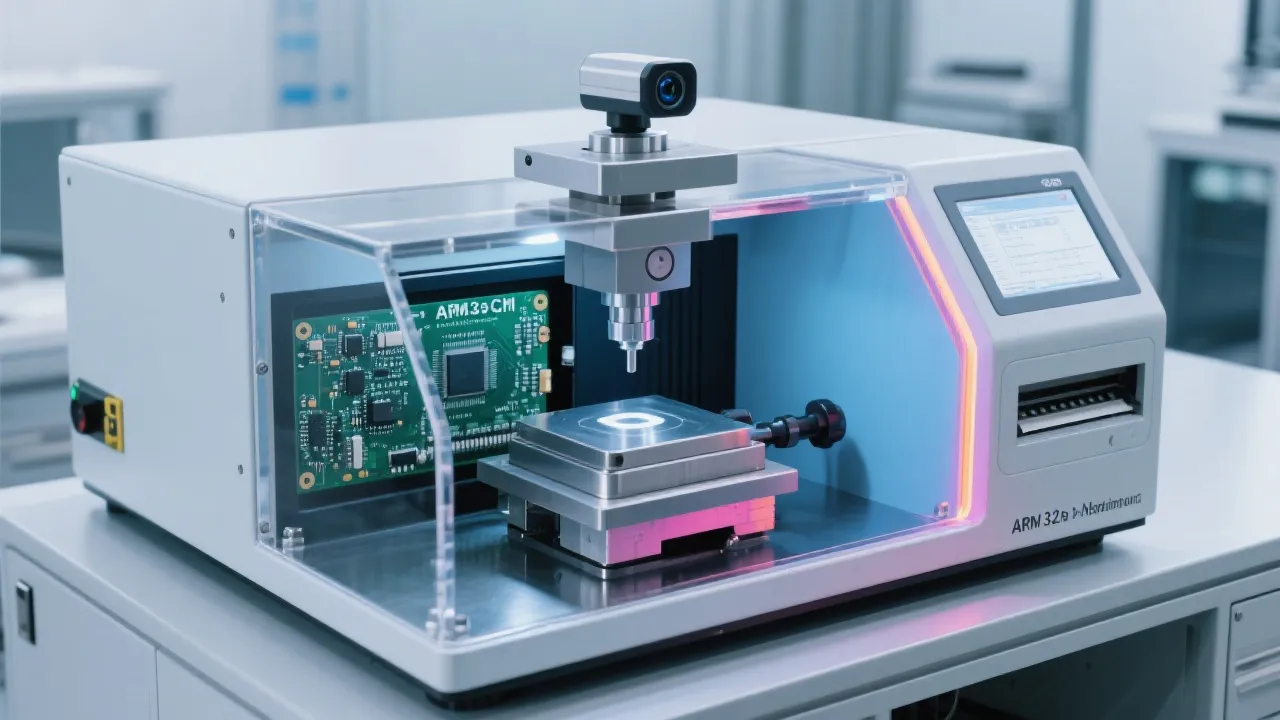
HV-1000 Micro Vickers Hardness Tester: Built-In Calculator for Automatic Indent Recognition and Multi-Point Averaging
22 03,2026
Jin Cheng
Application Tutorial
This article explains how the built-in calculator of JinCheng’s HV-1000 micro Vickers hardness tester helps laboratories and QA teams improve throughput and result consistency in metal hardness testing. It focuses on practical workflow gains from automatic indent diagonal recognition, multi-point average calculations, and intelligent hardness unit conversion (HV/HK/HB), reducing manual reading errors and repetitive data handling. Aligned with common ISO 6507 testing practices, the guide outlines clear operating steps, typical pitfalls, and data-consistency benefits for standardized reporting and digitalized inspection processes—supporting more efficient, repeatable, and audit-friendly hardness verification.
How an Integrated Calculator in a Micro Vickers Hardness Tester Speeds Up Testing
In many metallurgy labs and QC departments, microhardness testing still loses time in the same places: manual diagonal reading, hand-written tables, repeated conversions between HV/HK/HB, and the inevitable re-checks when results don’t align across operators. A modern microhardness workflow should reduce human arithmetic and increase process consistency.
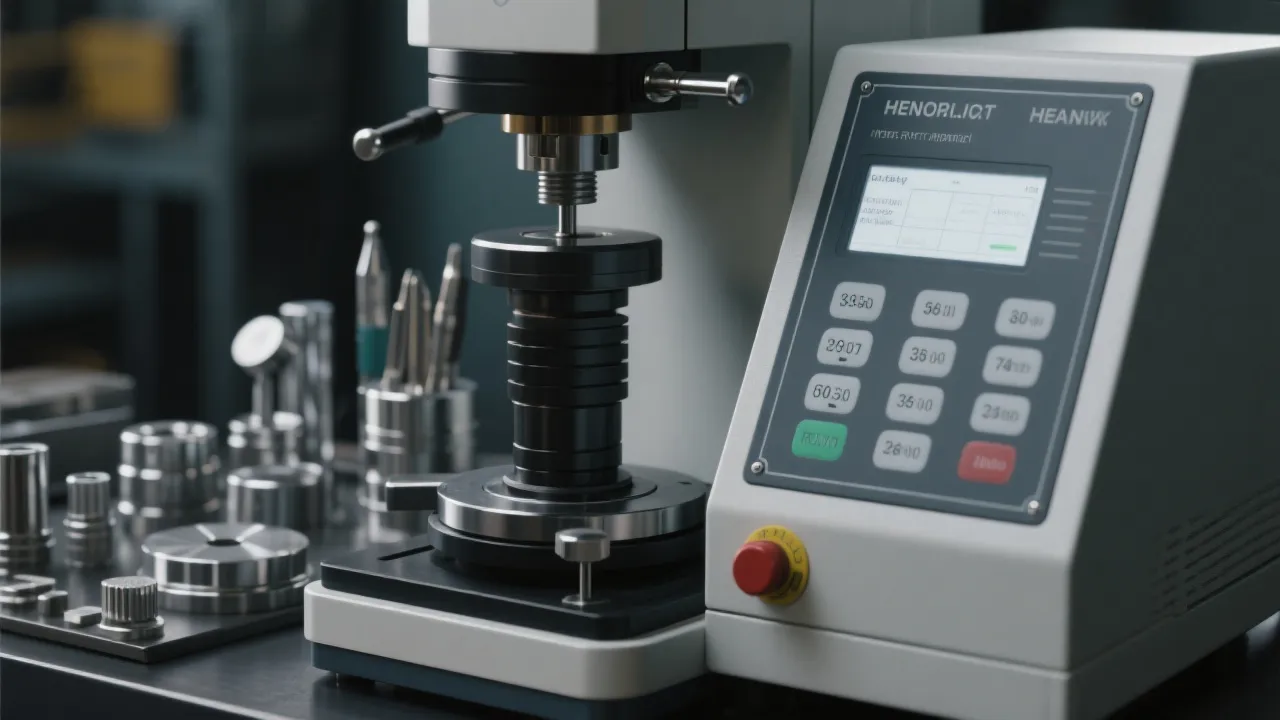
This practical guide explains how the built-in calculator workflow on the Jincheng (锦骋) HV-1000 Microhardness Tester can help teams improve throughput and reduce variability—especially when applying ISO-style reporting discipline (commonly aligned with ISO 6507 for Vickers).
Typical bottlenecks in microhardness testing
Operators spend time reading two diagonals and calculating average diagonal length.
Manual lookup tables or spreadsheets introduce transcription errors.
Multi-point testing (e.g., case depth mapping) becomes slow and inconsistent.
Hardness unit conversions are repeated, sometimes with mismatched assumptions.
1) Automatic indentation diagonal recognition: how to use it effectively
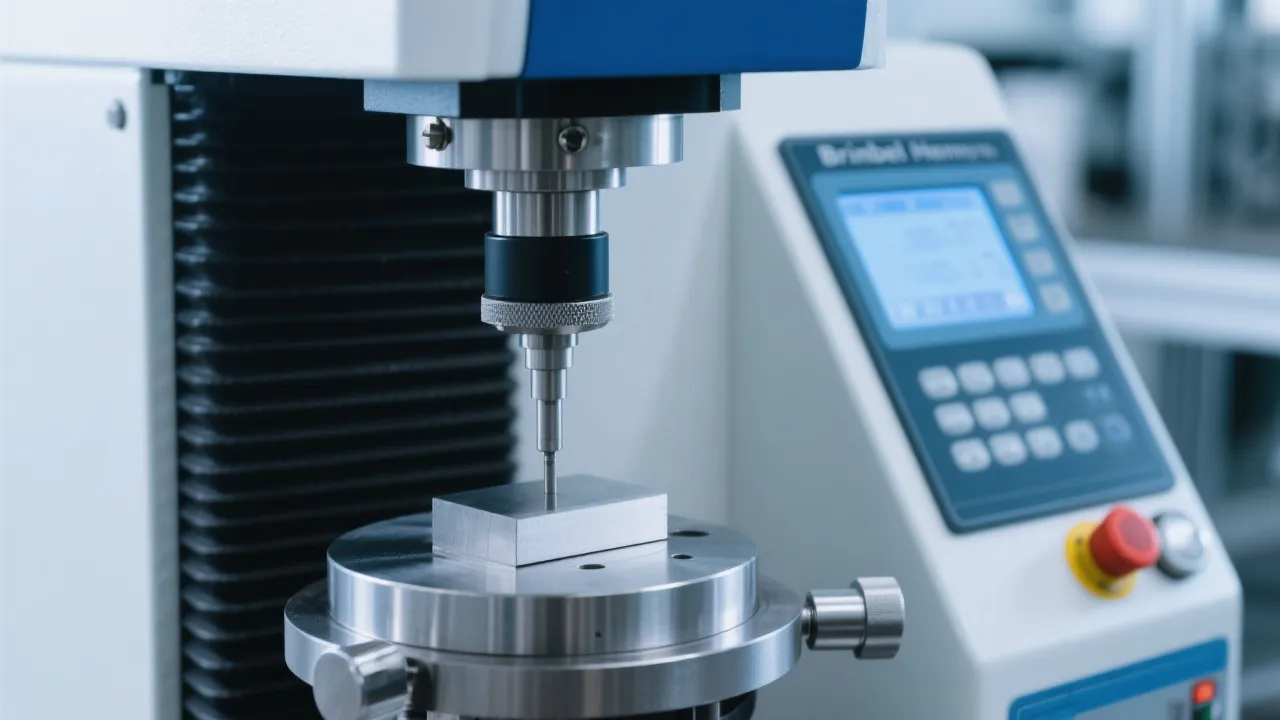
Automatic diagonal recognition aims to standardize the most error-prone part of micro Vickers testing: reading d1 and d2 consistently. When the indentation edges are detected clearly, the integrated calculator can immediately output the hardness value after measurement inputs are confirmed.
Step-by-step workflow (operator-level)
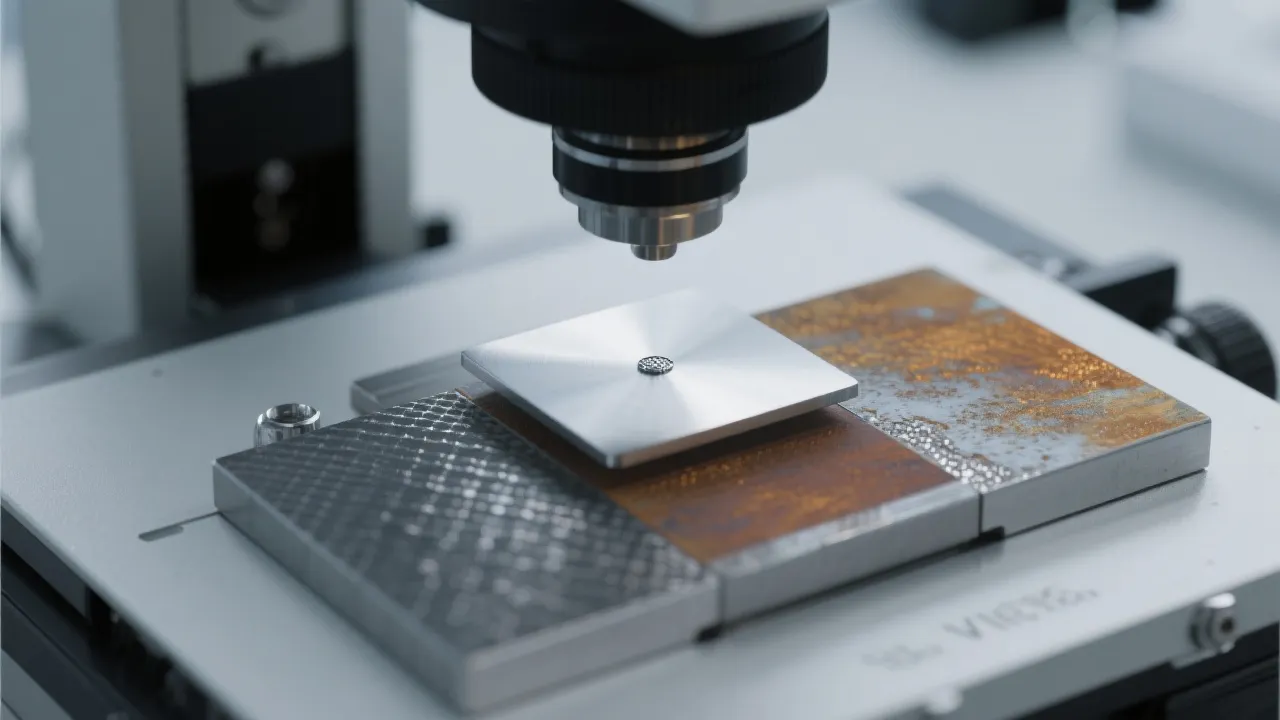
Prepare the surface: ensure polished, clean sample surface with minimal scratches. For coatings or thin case layers, aim for stable surface reflectivity to prevent edge ambiguity.
Select test force & dwell time: follow your internal method (commonly 10–15 s dwell is used in routine QC, adjusted per material and standard).
Place indentation and focus: focus sharply at the indentation plane. Poor focus is a common reason auto-recognition fails or drifts.
Confirm diagonal detection: verify that the detected edges match the indentation corners—especially on coarse-grain materials or etched surfaces.
Save & record: store the measured value and associated test conditions to maintain traceability.
Lab tip for repeatability: In cross-operator audits, most deviations come from focus and edge interpretation, not from the load itself. A consistent “focus-check routine” before confirming diagonal recognition often improves repeatability by ~1–2 HV in fine microhardness ranges (exact results depend on material and load).
2) Multi-point average calculation: faster, more representative results
Single-point microhardness can be misleading on welded zones, heat-affected areas, carburized layers, and sintered parts. Multi-point patterns (3, 5, 10+ points) provide a more realistic view of hardness distribution—yet manual averaging is slow and often mishandled. The HV-1000’s built-in calculator supports efficient multi-point averaging so technicians can focus on correct spacing and consistent method execution.
Practical setup for multi-point testing
Define the pattern: e.g., 5 points across a weld seam or 10 points from surface to core for case depth evaluation.
Keep spacing consistent: ensure adequate distance between indentations to avoid plastic zone interaction (commonly several indentation diagonals apart, per method guidance).
Use the same load: mixed loads in the same average can weaken comparability unless your procedure explicitly allows it.
Record outliers intentionally: if one point is excluded, document the reason (surface defect, edge proximity, porosity).
Point
d1 (µm)
d2 (µm)
Avg d (µm)
Result (HV)
1
34.8
35.4
35.1
312
2
35.0
35.2
35.1
311
3
34.6
35.1
34.9
316
4
35.7
36.0
35.9
303
5
34.9
35.5
35.2
310
5-point average (calculator output)
310 HV
For many QC lines, the “hidden” benefit is not only speed. It’s that the same averaging rule is applied every time—helpful when preparing for customer audits or internal quality system checks where consistency matters as much as the numerical value.
3) Smart hardness unit conversion (HV, HK, HB): when it helps—and what to watch
Hardness conversion is frequently requested by buyers and inspectors who reference legacy drawings or alternative standards. An integrated conversion feature can reduce back-and-forth delays—especially when a report must include Vickers results plus an approximate equivalent for communication.
Operational notes for reliable conversions
Use conversions for communication, not for disputes.
HV↔HB or HV↔HK conversions depend on material group and empirical relationships. For contractual acceptance, follow the hardness method stated on the drawing or specification.
Keep the “test conditions” attached.
Always report load, dwell time, and number of points. A converted value without test conditions is a frequent trigger for customer clarification requests.
Common mistake seen in audits: mixing micro Vickers results taken at different loads into one conversion statement. Even when the material is the same, the indentation size effect may shift results slightly. If multiple loads are used, separate them clearly in the report.
4) Data consistency and ISO-aligned reporting: why calculators matter in real QC
In ISO-style quality management environments, hardness testing is not only about obtaining a number—it’s about producing a number that is traceable, repeatable, and defensible. A built-in calculator helps by standardizing the way the hardness value is derived from diagonal measurements and by supporting consistent multi-point averaging.
What experienced users usually standardize first
Operator checklist: focusing method, illumination setting, and acceptance criteria for indentation clarity.
Sampling plan: number of points per part/zone and spacing rule.
Record format: ensure every reported value includes method, load, dwell time, and averaging rule.
In day-to-day production QC, teams often report that standardizing these details reduces internal disagreements and speeds up release decisions—particularly when hardness is a gate check for heat treatment or incoming inspection.
User experience notes: small habits that improve results
Consistency beats speed
Automatic recognition saves time, but only when the indentation image is consistently readable. A stable polishing routine and lighting setup make the calculator’s output more reliable.
Treat edges carefully
Indentations too close to edges, pores, or phase boundaries can distort diagonals. Clear internal rules for “reject and retest” reduce biased averages.
Average with intent
Multi-point averaging is most meaningful when points represent a defined zone (surface layer, HAZ band, or core). Random placement often produces “nice-looking” numbers that are hard to defend.
Need a faster, more standardized microhardness workflow?
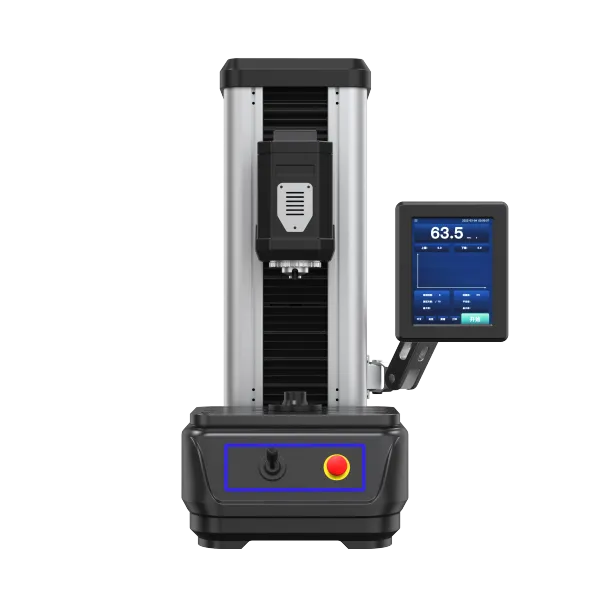
If your team is upgrading from manual diagonal reading and spreadsheet-based averaging, the 锦骋 HV-1000 Microhardness Tester is designed to support practical QC realities: efficient measurement routines, consistent calculation logic, and operator-friendly reporting—backed by responsive technical support for setup and application guidance.







Hardness-TesterHV-1000-1.jpg?x-oss-process=image/resize,h_1200,m_lfit/format,webp)






Hardness-TesterHV-5103050A-1.jpg?x-oss-process=image/resize,h_1200,m_lfit/format,webp)
.jpg?x-oss-process=image/resize,h_1200,m_lfit/format,webp)